Field Service Route Optimization: How to Plan Technician Routes Around Appointment Windows, Job Durations and Same-Day Call-Outs
Drafted with AI assistance, edited and fact-checked by Sean Flannery. See our editorial policy.
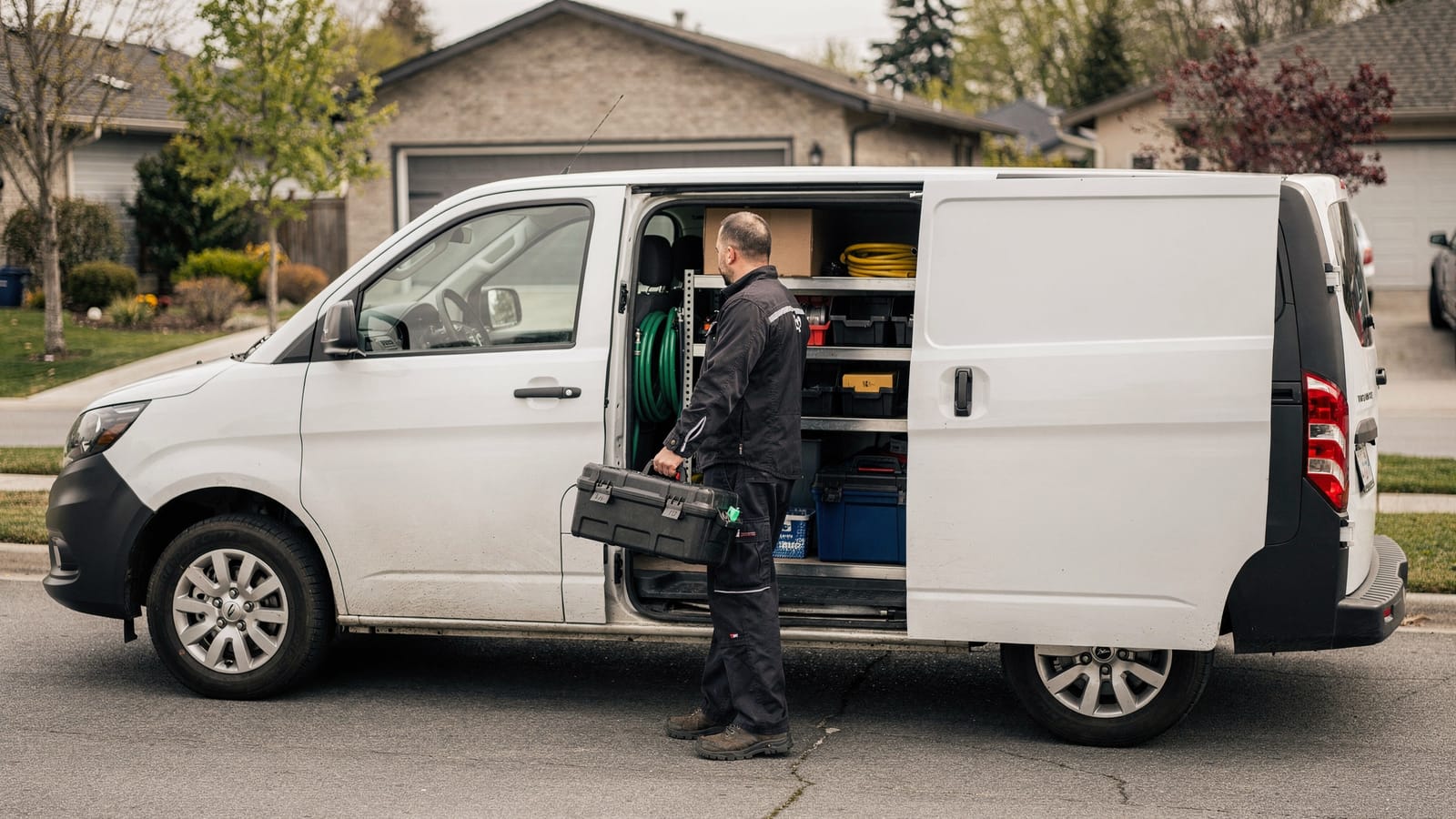
Field service route optimization is the planning of technician routes that sequence appointments by location while respecting each customer's time window, the expected length of every job, the skills and parts each visit needs, and the same-day call-outs that arrive after the day has started. The goal is a feasible day, not just the shortest drive.
That difference matters because a technician's stop is not a quick drop-off. A boiler service, a meter swap and a burst-pipe repair can sit on the same street and still need different people, different parts and very different amounts of time on site.
Put those details into the plan and the day holds together, from the first appointment to the last.
What field service route optimization means for a technician's day
Start with what a good day looks like from the van. Every appointment is reached inside its booked window. Every job has enough time to be finished properly.
And there is still room to take the urgent call that comes in mid-morning.
Getting there means weighing more inputs than a typical delivery run:
- Location: the sequence of stops that keeps drive time short.
- Appointment windows: the slot each customer booked.
- Job duration: how long each type of visit takes on site.
- Skills, parts and equipment: whether the technician and van can complete the job.
- Live changes: call-outs, cancellations and jobs that run long.
- Workload: a day each technician can finish at a sensible hour.
Leave any one of them out and the plan drifts away from the real day. A route that ignores job duration looks tidy at the start of the shift and runs behind by lunch.
A route that ignores skills sends a technician to a job the van is not equipped to close, which means a second visit for the customer.
So the most useful measure of field service route optimization is not distance. It is how many jobs are completed inside their windows, on the first visit, by technicians who finish their day at a sensible hour.
Distance still counts. It is one input among several, and a good plan will happily trade a slightly longer drive for a day that genuinely fits.
How appointment windows, job durations and call-outs extend the classic routing problem
Routing has a long research history. In a 2024 episode of its podcast, MIT's Center for Transportation & Logistics explains that the vehicle routing problem was first formally introduced in 1959 by Dantzig and Ramser.
Field service builds three extra layers on top of that classic problem.
Appointment windows fix the earliest and latest time a technician can arrive. Job durations fix when they can leave, because each stop carries its own service time.
Same-day call-outs add new stops after the plan is already running, so the answer has to change while technicians are on the road.
Each layer narrows the set of workable sequences. The same MIT discussion notes that, despite really good algorithms, today's methods still struggle with "getting the last, let's say, 20% right".
For a planner, that last stretch is where windows, job lengths and urgent work all meet. Test any routing approach on a real day of your own bookings, not a tidy sample.
A useful parallel comes from prescription delivery, which shares the same shape: booked windows, a planned day and urgent work arriving after it starts.
SuperPharmacy's case study reports that its delivery team was spending up to one hour every day manually planning routes. If an urgent prescription came in during the day, the entire route had to be regenerated from scratch.
With Locate2u route optimisation, that hour of manual work now takes just 10 minutes, a result the case study reports for one Australian online pharmacy rather than a field service team.
Routes are generated from delivery locations, time windows and driver availability. New prescriptions can be slotted into existing routes on the fly, without disrupting other deliveries, which let SuperPharmacy offer same-day prescription delivery as a core service.
The case study quotes the change this way: "Before Locate2u, we had to generate new routes if we wanted to change anything. Now we can adjust the day's deliveries on the fly."
To test the same idea on your own work, take yesterday's jobs, add one urgent visit mid-morning, and see whether your current process can re-sequence the afternoon without rebuilding the whole day.
How shorter drives give technicians more hours on the tools
Drive time is the part of a technician's day that a plan shapes most directly, and it adds up quickly.
In research published in 2019, McKinsey found that field technicians can lose up to 40 percent of their workday to non-value-adding activities such as filling out timesheets, with idle time of two to three hours a day and an additional hour that may go on unnecessary driving.
Those hours come from process, not effort. A job sequenced across town, a wait for a window to open, a return trip for a missing part: each one is a planning decision.
So when you review a plan, look at idle gaps and cross-town legs as closely as total distance.
Drive time is also one lever among several. In a 2020 article, McKinsey estimates that companies can capture productivity improvements of about 10 to 20 percent by reducing discretionary time, improving job efficiency and reducing drive time.
The practical reading is that tighter routes work best alongside realistic job durations and clear job details. Improve the sequence and the inputs together.
Why does each hour deserve this attention? Take one large labour market as a reference point. The US Bureau of Labor Statistics reports that the median annual wage for installation, maintenance and repair occupations was $59,620 in May 2025, higher than the $50,980 median for all occupations.
The same BLS page projects about 569,000 openings each year, on average, in these occupations.
In that market, skilled hours are well paid and in demand, so every hour moved from the road to a customer's site is valuable. That points to a simple rule for comparing plans: measure hours on the tools, not just distance driven.
How matching skills, parts and equipment keeps every visit productive
A short drive only pays off when the visit ends with the job done.
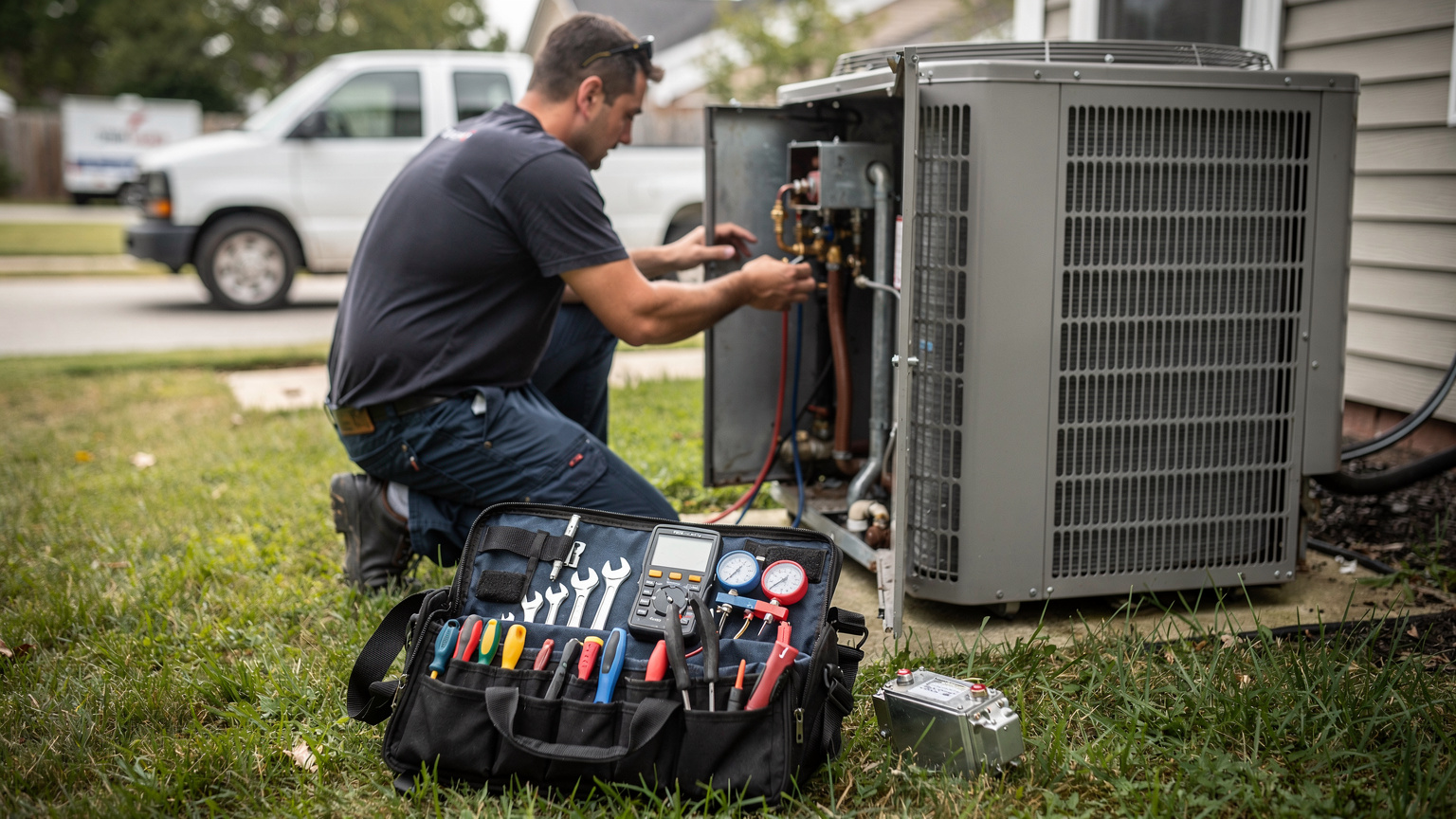
Matching starts before routing. Tag each job type with what it needs: a qualification, a part, a ladder, lifting gear or a particular vehicle. Tag each technician and van with what they bring. Then let the plan assign work only where the two line up.
Parts deserve the same care as skills. When the van leaves with stock for its first few jobs, the technician can head straight to the first customer instead of calling at the depot, and the day starts on time.
Vehicle type is part of the match too. Locate2u's routing engine accounts for vehicle types and driver availability as it builds a schedule, so a job that needs a particular van goes to a van that suits it.
For skills and certifications, ask any platform you assess how it records them and whether it keeps respecting them when the day is re-planned. For a trade-specific view, see how route optimisation helps plumbers.
How dynamic dispatch fits same-day call-outs into a planned day
Same-day call-outs are where a fixed plan meets the real day. A route locked at the start of the shift has no easy way to absorb an urgent job at mid-morning without being rebuilt.
Dynamic dispatch keeps the plan live. In its 2019 research, McKinsey reports that dynamic dispatch can lead to a freed capacity of 20 percent and a 40 percent reduction in travel time.
The decision this supports is straightforward: give your dispatch team the ability to re-plan during the day rather than fixing routes at the start. If the trade-offs are new to your team, read up on the difference between static and dynamic route planning first.
Picture a hypothetical heating engineer with a full day of booked visits when an urgent no-heat call arrives mid-morning. A good insertion follows a clear order.
First, find the technicians nearby with the right skill and parts. Next, test where the job fits with the least disruption to booked windows. Then send the updated sequence to the technician's phone and give any customer whose arrival moves a fresh time.
Sometimes the cleanest answer is to move a later job to a colleague instead. That keeps every window intact and spreads the extra work fairly.
Locate2u's dispatch planning view supports this kind of decision. The team sees every vehicle live, can reassign a later job to another vehicle when a visit runs long, and automated notifications keep customers informed about when to expect their technician.
How to build balanced, realistic technician workloads
A plan can be light on drive time and still give one technician a much longer day than everyone else. Balance is what keeps the schedule realistic across the whole team.
These steps build workloads that hold up:
- Set job durations by job type, using recorded arrival and finish times wherever you have them.
- Give each technician a start point, an end point and working hours, so the first and last legs count.
- Balance by booked hours rather than job count, because one long installation can outweigh several quick checks.
- Leave lighter capacity in areas where urgent call-outs come in most often.
- Compare planned and actual times each week, then adjust durations and buffers.
The third step is the easiest to overlook. Two technicians with the same number of jobs can have very different days once the length of each job is counted.
Good data makes every step easier. Technicians see their sequence and job details in the Locate2u driver app, and each completed stop records photos, signatures and timestamps.
Over time, those timestamps build a clear picture of how long each job type takes, which feeds straight back into the first step.
Share the plan early, too. When technicians can review the next day's route in advance, they can check the van carries the right parts for the first jobs before they leave.
What to look for when choosing field service routing software
When you compare options for field service route optimization, test each one on your own jobs, with your own windows, durations and call-out patterns, rather than a sample route.
The table below turns the earlier sections into checks you can run.
| What to check | Why it matters | How to test it |
|---|---|---|
| Appointment windows | Customers booked a slot and plan around it | Load a day with mixed narrow and wide windows and check every arrival lands inside |
| Job durations by type | Service time decides when the next visit can start | Enter real durations per job type and confirm the plan uses them |
| Skills, parts and vehicle matching | A visit pays off when the job can be finished | Tag a specialist job and confirm it goes only to a suitable technician and van |
| Mid-day insertion | Same-day call-outs arrive after routes are live | Add an urgent job mid-morning and see how quickly the rest of the day re-plans |
| Start and end points | First and last legs are part of the working day | Set home starts for some technicians and depot starts for others |
| Technician app | The plan helps most when the technician can see it | Check that job details, notes and sequence changes reach the phone |
| Live tracking and notifications | Customers can plan around an accurate arrival time | Confirm customers receive an update when a sequence changes |
Run one ordinary week of your bookings through each platform on your shortlist and compare the result with the plan built by hand. Look at planned drive time, idle gaps and how many jobs land inside their windows.
For a wider view of the category, our guide to field service management software looks at the tools that sit around routing.
On its own merits, Locate2u plans multi-stop routes around time windows, driver availability and vehicle types, lets dispatchers adjust the day as new work arrives, and shares live tracking links so customers know when to expect their technician.
Frequently asked questions
Should technicians start their route from home or from the depot?
Set a start and end point for each technician so the first and last legs are counted in the plan. Where technicians take vans home, starting the route from home often removes a depot run, as long as the van already carries the parts the first jobs need.
How wide should appointment windows be?
Narrow windows suit customers but leave the planner fewer workable sequences, while wider windows give more room to group nearby jobs. Test a few window lengths on a typical week of your own bookings and compare the planned drive time before you commit to one.
Is route optimisation worth it for a team of two or three technicians?
The constraints are the same at any size: time windows, job lengths and urgent jobs still have to fit together. A small team can test value quickly by planning one ordinary week in software and comparing it with the plan built by hand.
What job data should be recorded to improve future routes?
Record actual arrival and finish times for each job type. Over time, those records let you replace rough duration guesses with realistic averages, which makes every future plan more accurate.
A feasible technician day comes from putting windows, job lengths, skills and call-outs into the plan from the start, then keeping it live as the day changes. To see how that works on your own schedule, explore Locate2u route optimisation and compare it with a typical week of your bookings.