12 Real-Time Communication Tools for Last Mile Delivery
Drafted with AI assistance and published by the Locate2u Editorial Team. See our editorial policy.
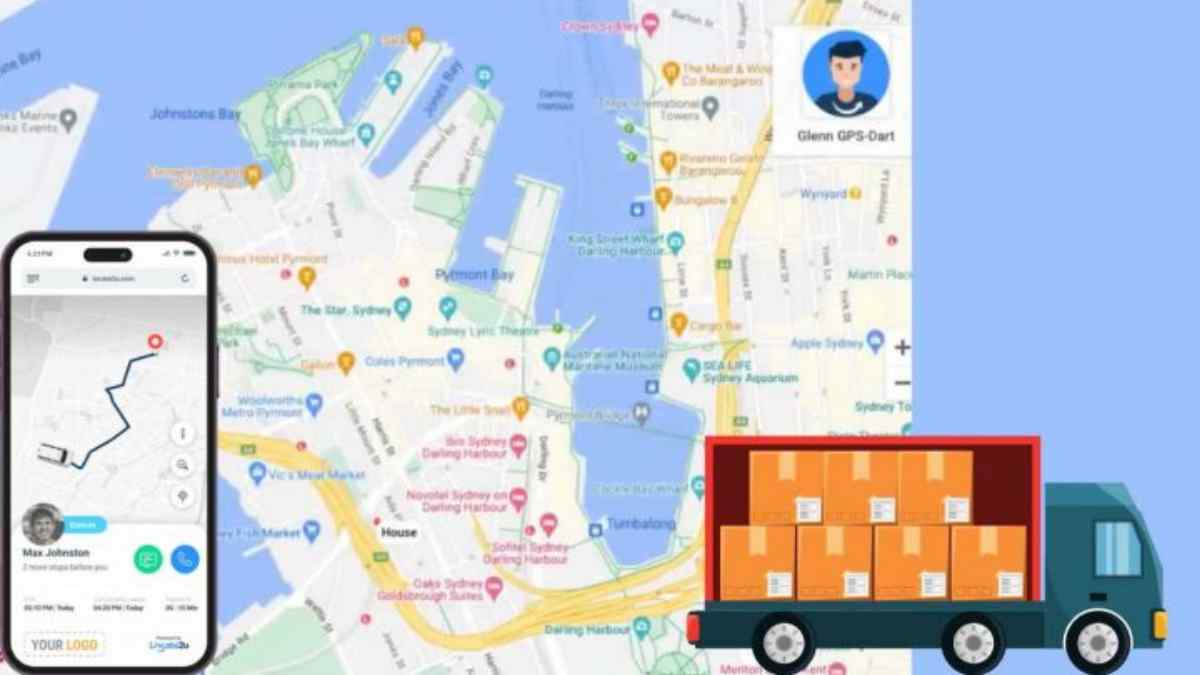
Most delivery complaints are not really about the delivery. They are about not knowing. The customer did not know the driver was close, the driver did not know the gate code, and the office did not know anything was wrong until the phone rang.
Real-time communication tools close those gaps. Some talk to the customer, some connect the driver and dispatcher, and some pass delivery events into the other systems your business runs on.
Below are twelve tool types worth knowing about. For each one you get what it does and when it is worth having. You do not need all twelve on day one, and most of them come bundled in good last mile delivery software rather than as separate purchases.
Tools for talking to customers
1. Live tracking links
A tracking link is a web page, sent by SMS or email, that shows the customer where their driver is on a map. The customer opens it in a browser, so there is no app to download.
It is worth it as soon as you get regular "where is my order?" calls. If your team answers the same question more than a few times a day, a link answers it for them. Our guide on how to send customers a live tracking link walks through the setup.
2. Branded tracking pages
This is the same tracking link, dressed in your logo, colors and messaging instead of a generic carrier page. The driver's name and vehicle can appear too, so the customer knows who is coming.
It is worth it if you sell direct to consumers or deliver on behalf of a client brand. The tracking page is often the last thing the customer sees from you, so it should look like you.
3. Automated milestone notifications
These are SMS and email messages that send themselves when an order reaches a stage: dispatched, driver on the way, driver nearby, delivered, or delivery failed. Templates with merge fields fill in the order details automatically.
They are worth it for almost every delivery operation. Nobody on your team should be typing "your order is on the way" by hand. Start with three messages (dispatched, nearby, delivered) and add more only if customers ask for them.
4. Live ETA countdowns
A live ETA recalculates as the driver moves through the route, using live traffic and the stops still ahead. The customer sees a countdown to arrival instead of an all-day window.
It is worth it when someone has to be home, such as perishable food, medication, signatures or bulky items that need a hand at the door. The ETA is only as good as the route behind it, so read how accurate ETA estimates improve delivery efficiency before you promise tight windows.
5. Post-delivery ratings and feedback
A one-tap rating request goes out after the drop. Scores roll up by driver, region and time period, and low scores get flagged for follow-up.
It is worth it once you have more than a couple of drivers and no longer see every delivery yourself. Ratings tell you which driver, which area or which time of day is causing problems, while the customer still remembers the delivery.
Tools for drivers and dispatchers
6. Live dispatch map
A live map shows every driver and vehicle, with color-coded status for who is on route, idle, stopped or running late. Clicking a vehicle shows its current stop and next destination.
It is worth it from the moment you have two or more vehicles out at once. Without it, every status check is a phone call to a driver who should be driving. The real-time tracking view is the foundation most of the other tools on this list sit on.
7. Driver app push notifications
New stops, schedule changes and re-optimized routes appear on the driver's phone as soon as dispatch makes them. The driver does not need to call in to find out what changed.
It is worth it if your routes change during the day. If you add same-day orders or reassign jobs when someone calls in sick, push updates stop drivers working from an old plan.
8. Dispatcher messaging and team broadcasts
Dispatchers send a message to one driver or broadcast to the whole team from the dashboard, and drivers read it in the app. Think "Customer at your next stop is not home, skip it and come back" or "Depot gate closes early today".
It is worth it when phone calls are eating your dispatcher's day. Written messages are also easier to check later than a call nobody remembers clearly.
9. Call and text the customer from the stop screen
The driver taps the stop and calls or texts the customer directly, with the name, phone number, delivery notes and time window on the same screen.
It is worth it for any delivery where access is tricky: apartments, offices, building sites and gated estates. A quick "I'm at the front gate" text saves a failed attempt and a second trip. A driver app such as the Locate2u driver app keeps this alongside navigation and proof of delivery.
10. Real-time exception alerts and geofences
Exception alerts tell dispatch the moment a driver falls behind schedule, a job fails or a vehicle leaves its assigned zone. Geofences are virtual boundaries around depots, customer sites or zones, and they trigger an alert when a vehicle enters or leaves.
They are worth it when you want to hear about problems before the customer does. A geofence around a busy customer site can also tell you how long drivers really wait there. See how geofencing improves last mile delivery for practical setups.
Tools that connect your systems
11. Electronic proof of delivery with instant confirmation
The driver captures a signature, a photo and notes in the app. Each record is timestamped and geotagged, and the customer can get an automatic confirmation with a link to the proof.
It is worth it if you ever argue about whether something arrived. Electronic proof of delivery turns "the driver says it was left at the door" into a photo the customer can see within minutes.
12. Webhooks, store integrations and automated status answers
Webhooks push delivery events (completed, status changed, geofence entered) into your CRM, store or accounting system as they happen. A store integration such as Shopify can sync fulfillment status and tracking information back to the order, so customers see the same status everywhere.
Some platforms go a step further with an automated customer service agent that answers "where is my delivery?" from live tracking data, including the driver's position in the route and an updated ETA. Locate2u's version sits in our logistics agents.
These are worth it once you sell through more than one channel, or when status questions arrive by chat and email as well as by phone. If the store, the CRM and the tracking page all show different answers, customers will call to find out which is right.
How to choose what to add first
Start with the question your team hears most often. If it is "where is my order?", begin with tracking links, milestone notifications and live ETAs. If it is "the driver couldn't get in", start with stop-screen contact and better delivery notes.
Then look at the office side. If your dispatcher spends the day on the phone, the live map, push notifications and messaging will pay off first.
A few questions help when you compare platforms:
- Does the customer need to download anything? They should not.
- Can you edit the wording of every automated message?
- Do ETAs update as the route changes, or are they set once in the morning?
- Can drivers keep working, and capture proof, when the signal drops?
- Do delivery events reach your store and accounting tools without someone copying them across?
You can see the whole flow working in practice in the Happy Paws customer story, where automatic tracking links and ETA updates cut down the inbound calls about delivery status. For the wider picture of how location data moves from the vehicle to the customer, read our last mile tracking guide.
Building the communication chain
Real-time communication is not one tool. It is a chain: the vehicle reports its position, the system turns that into an ETA, and the customer, driver and dispatcher each see the part they need.
Pick the tools that answer your most common questions first, then add the rest as volume grows. If you want the process side as well as the tooling, our ten practical fixes for missed delivery updates pair well with this list.
If you want to see how these tools look on your own routes, request access to Locate2u.

Related Articles
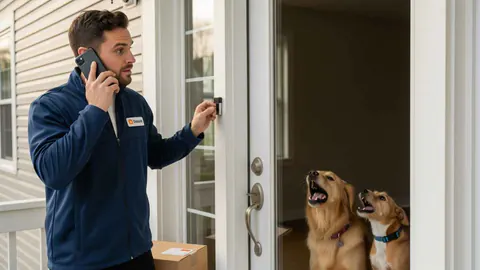
Last Mile Delivery Communication: 10 Fixes for Missed Updates
Missed delivery updates cause failed drops and repeat calls. Ten practical fixes, from accurate delivery windows and live tracking to two-way messaging.
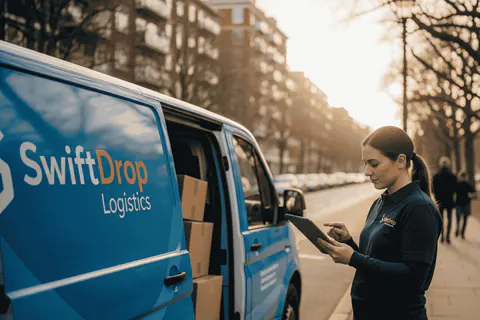
How to Improve Last Mile Delivery Without More Vehicles
Five ways to improve last mile delivery without adding vehicles: route optimization, tighter windows, fewer failed drops, smarter loading and better data.
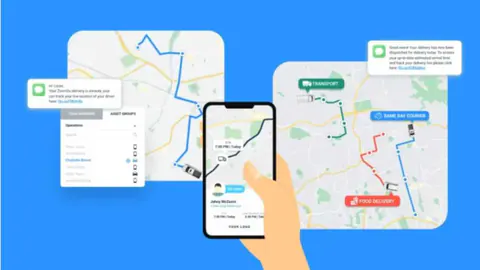
Last Mile Delivery Explained: The Basics and Beyond
Last mile delivery explained: what it is, why it is the costliest leg of the journey, the challenges it brings, and the tools and tactics that solve them.