Benefits of a GPS Asset and Device Tracking System for Fleets
Drafted with AI assistance and published by the Locate2u Editorial Team. See our editorial policy.
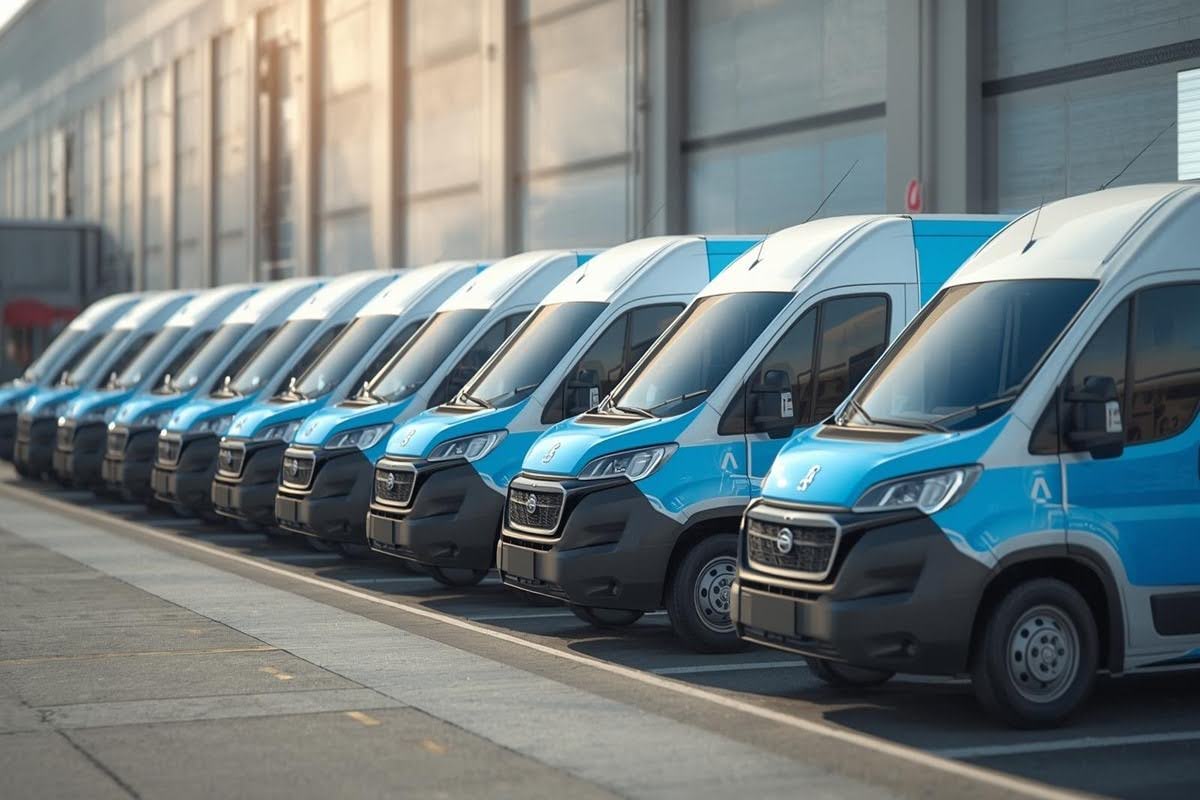
Most fleets know where their vans and trucks are. Far fewer know where their trailers, cages, pallets, generators and tools are.
Those assets are spread across depots, customer sites and job sites. They have no driver to call and no engine to power a tracker, so they quietly go missing, sit unused or get bought twice.
A GPS asset and device tracking system closes that gap. It puts your non-vehicle assets on the same map as your vehicles, so you manage the whole fleet, not just the part with wheels and an engine.
Here is how it works, which devices suit which assets, and the benefits you can expect.
What asset and device tracking means
Vehicle tracking usually relies on a device wired into the vehicle or plugged into its diagnostic port. It focuses on driving: speed, routes, idle time and engine health.
Asset tracking is different. It uses small, often battery-powered trackers attached to things that cannot power a device themselves. Locate2u's asset tracking software pairs with these devices to track pallets, containers, trailers, heavy equipment and high-value goods with no wiring.
The real benefit comes from seeing both on one platform. A trailer is only useful if you also know which truck is nearest to collect it.
Choosing the right device for each asset
Not every asset needs the same tracker. Matching the device to the job keeps costs down and the data useful.
Plug-in trackers for light vehicles
Cars, vans and light trucks with a diagnostic port can take a plug-in tracker. It installs in seconds, draws power from the vehicle and reports engine data alongside location.
Hardwired trackers for trucks and powered equipment
Trucks and heavy machinery suit a tracker wired into the electrical system. It is harder to remove and can take extra inputs. Locate2u's hardwired tracker supports door sensors, temperature probes and PTO monitoring, which matters for refrigerated bodies and equipment that does its work while parked.
Battery trackers for unpowered assets
Trailers, containers, cages, generators and tool chests need a battery tracker. You attach it with magnets or screws and leave it.
Battery life depends on how often the device reports. On our GPS devices page, the battery tracker is rated at up to 7 years with once-daily reports, around 4 years at four reports a day and around 2 years with hourly updates.
The device also tracks more often when it detects motion, so you get detail during a move without paying for it in battery while the asset sits still.
Benefits of tracking assets alongside vehicles
1. You stop searching for things
Without tracking, finding a trailer or a piece of hired equipment means phone calls and site visits. With it, you open the map.
That saves time every day, and it removes the quiet cost of staff driving around yards looking for gear.
2. You get more use out of what you already own
When you can see every asset at once, you can see which ones never move. A generator that has sat in the same yard for weeks is an asset you could redeploy, rent out or sell.
It also stops duplicate buying. Teams often hire or purchase equipment because they cannot find the unit they already have.
3. Returnable assets come back
Cages, pallets, bins and containers left at customer sites are easy to lose track of. A tracker shows you which customer has which asset and for how long.
Locate2u measures dwell time, so you can see how long an asset stays on a site. That gives you a clear, factual basis for chasing returns or charging for overdue items.
4. Unauthorized movement is flagged quickly
Some assets should never move outside working hours. Movement alerts tell you when a stationary asset starts moving, and geofence alerts tell you when it leaves a yard or site.
Plug-in and hardwired trackers also send tamper alerts if a device is unplugged or loses power. For a deeper look at the security side, see our guide on how to use GPS tracking to protect your assets.
5. Dispatch gets easier
When trailers and equipment appear on the same map as vehicles, dispatch decisions get simpler. You can send the nearest available truck to collect the nearest loaded trailer, rather than guessing.
It also helps with field work. If a crew needs a particular piece of equipment, you know which site it is on before anyone sets off.
6. Location history settles disputes
Every report a tracker sends becomes part of its location history. You can replay where an asset went and how long it stayed at each place.
That is useful when a customer disputes a hire period, when equipment returns damaged and you need to know where it has been, or when you need records for insurance.
7. Asset data flows into your other systems
Many businesses already keep an asset register in an ERP or spreadsheet. Locate2u offers API access to asset location data, so you can feed live positions into the systems you already use instead of updating records by hand.
Indoor and coverage limits to plan for
GPS needs a view of the sky. The US government notes that GPS accuracy worsens near buildings, bridges and trees, and indoors it can drop out entirely.
For assets kept in warehouses, Locate2u trackers combine GPS with Wi-Fi and cellular positioning to give an approximate location, and Bluetooth tags can be added for finer indoor detail.
Cellular coverage is the other limit. Trackers report over mobile networks, so an asset in a dead zone will report late. Pick devices on current network standards and check coverage on the routes and sites you use most.
How to get started
- List your assets. Start with the ones that cost the most to replace or go missing most often.
- Match each to a device. Plug-in for light vehicles, hardwired for trucks and powered equipment, battery for everything else.
- Set reporting intervals. Daily is often enough for parked equipment. Assets that move every day need more frequent reports.
- Draw geofences. Add zones around depots, yards and regular customer sites. Our explainer on how geofencing works for delivery fleets covers the basics.
- Name assets clearly. "Flatbed trailer, north yard" is easier to find than a device serial number.
- Review weekly. Look for assets that have not moved, sites where things pile up and returns that are overdue.
If you are unsure which numbers to watch once the data starts coming in, our post on important metrics to track in fleet management is a good companion.
Tracking more than vehicles
Vehicles get most of the attention in fleet management, but the assets they tow, carry and leave behind are just as much a part of the operation.
Tracking them alongside your vehicles means fewer lost items, fewer unnecessary purchases and faster answers when someone asks where something is.
If you want to see your vehicles and assets on one map, request access to Locate2u.

Related Articles
Real-Time Tracking Myths That Hold Fleets Back
Three real-time tracking myths debunked: that it is surveillance, too costly to set up, or unreliable, plus a practical plan to roll tracking out to your fleet.
8 Ways to Cut Fleet Maintenance Costs
Eight ways fleet management software cuts maintenance costs, from predictive maintenance alerts and route optimization to driver monitoring and training.
5 Ways Fleet Management Software Cuts Fuel Use
How fleet management software improves fuel efficiency through smarter routes, driver behavior coaching, less idling, preventative maintenance and telematics.